Monday, February 4, 2019
Hard Surface - Nerf Blaster Week 2
The fruits of my labor! Ifeel like I learned quite a bit in this project, hard surface modeling appeals to me a lot and I can't wait to try my hand at something of my own making in semester 3
Monday, January 28, 2019
Hard Surface Blaster - Week 1
Week 1 Progress on the Nerf Blaster created in Maya. I'm not as far as I'd like to be at this point, but I can try to put in some more time next week, balancing the Capstone/Gamelab/3D workload has been rough lately, especially with lead stuff throwing me curve balls all week.
Monday, January 21, 2019
Knife Week 2
Monday, January 14, 2019
Semester 2 - Week 1 Hard Surface Knife
Our first project of the semester is concerned with modeling a knife with smooth maya shapes, correcting sharp angles with the crease tool before converting the resulting shapes to geometry. Once the pieces are assembled, I imported them to Zbrush and used the LiveBoolean tool to use the geometry I had created to cut holes in the handle, blade, and spine ring to get the holes, bevels, and cuts that I needed. I constructed the maya model exploded with almost all the pieces separate from each other besides the ones I wanted to make sure were perfectly aligned with specific parts of the handle.
Thursday, December 6, 2018
Tree Week 4
Downscoped and downsized, my bonsai tree
I actually had a lot of trouble getting my bakes to come out correctly in the rocks, I had to re-do my low poly meshes and my low poly UVs to get them to reflect any of the cracks, creases, and chips I had put into the high poly versions of the rocks. The branches were a bit finicky as well, but in the end not a terrible amount of work. The tree sculpt I'm extremely satisfied with, it's basically the only thing about the project I'd be proud to show anyone, but I'd want to take another pass at my branches to do so.
Monday, December 3, 2018
Thursday, November 29, 2018
Substance Crystals
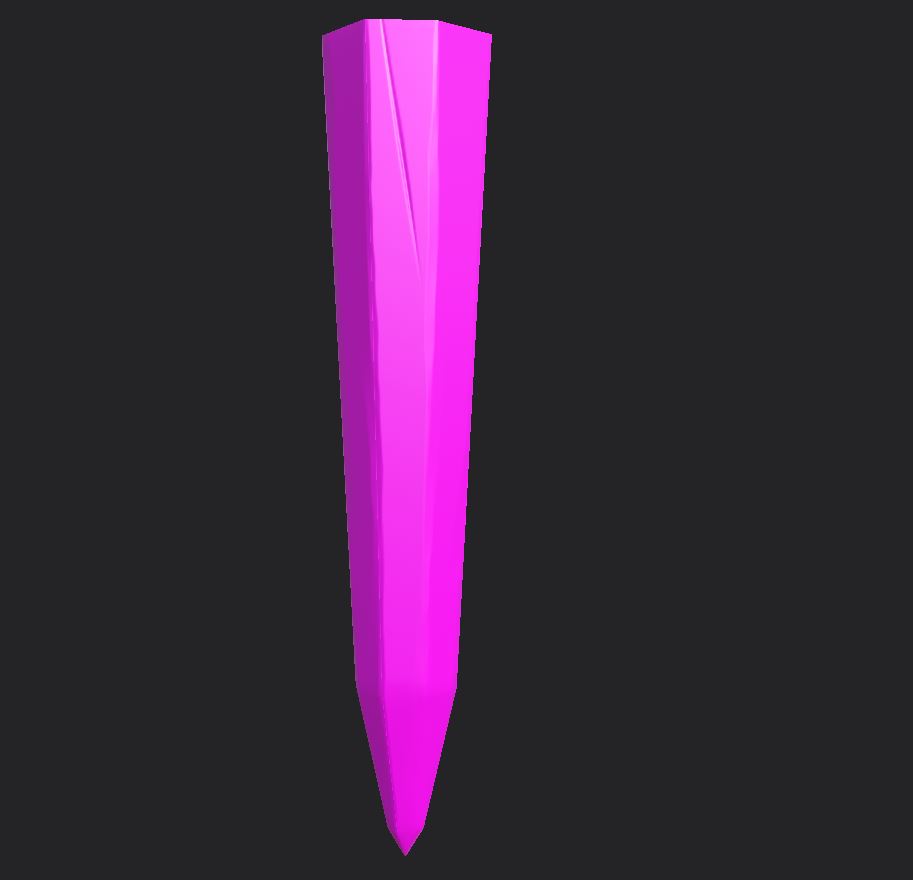
This week's round of 2D assets was mainly visual effects stuff but since our tech artist is here and we don't have enough time to get into a really serious 3d sculpt I decided to get into Substance Texturing. Truth be told I'm not a very experienced Substance user, and I was hoping to take this opportunity to get a bit more advanced with the things you can do with stuff like Curvature mapping. Jackson sent me a really great Marmoset Toolbag tutorial to get refraction and a bunch of neat effects but unfortunately I'm not a proficient enough Substance user yet to really get to where he got so much of the night was spent googling and experimenting.
To start I added a simple fill layer with about the color I was hoping to have in the center of the crystal.
Next was to add some shine to the crystal to try to sell that polished surface
Next a gradient to give the tips of the crystals some pop and set a darker color to the tops of the crystals so they'd be more homogynous at the ceiling.
Adding a bit of edge lighting was the next step. I got this subtle effect by adding a curvature bitmap mask to a pink fill layer. This emphasized the edges of the crystal without me having to manually paint them in. It's still a bit clunky for my tastes but on larger projects like a crystal ceiling pieces with individual crystals it would be very efficient.Finally I added an emissive channel and 3D gradient to the bottom of the crystal so that it could be toned down and used to create a glow effect in the scene once ported to unreal.
Subscribe to:
Posts (Atom)